I Built an App in an Hour: Inside the Wild World of Vibe Coding
A terminal-level case study: building, testing, and deploying 'TelemetryPulse', a real-time Redis Streams analytics monitor in 58 minutes without touching a single closing bracket manually.
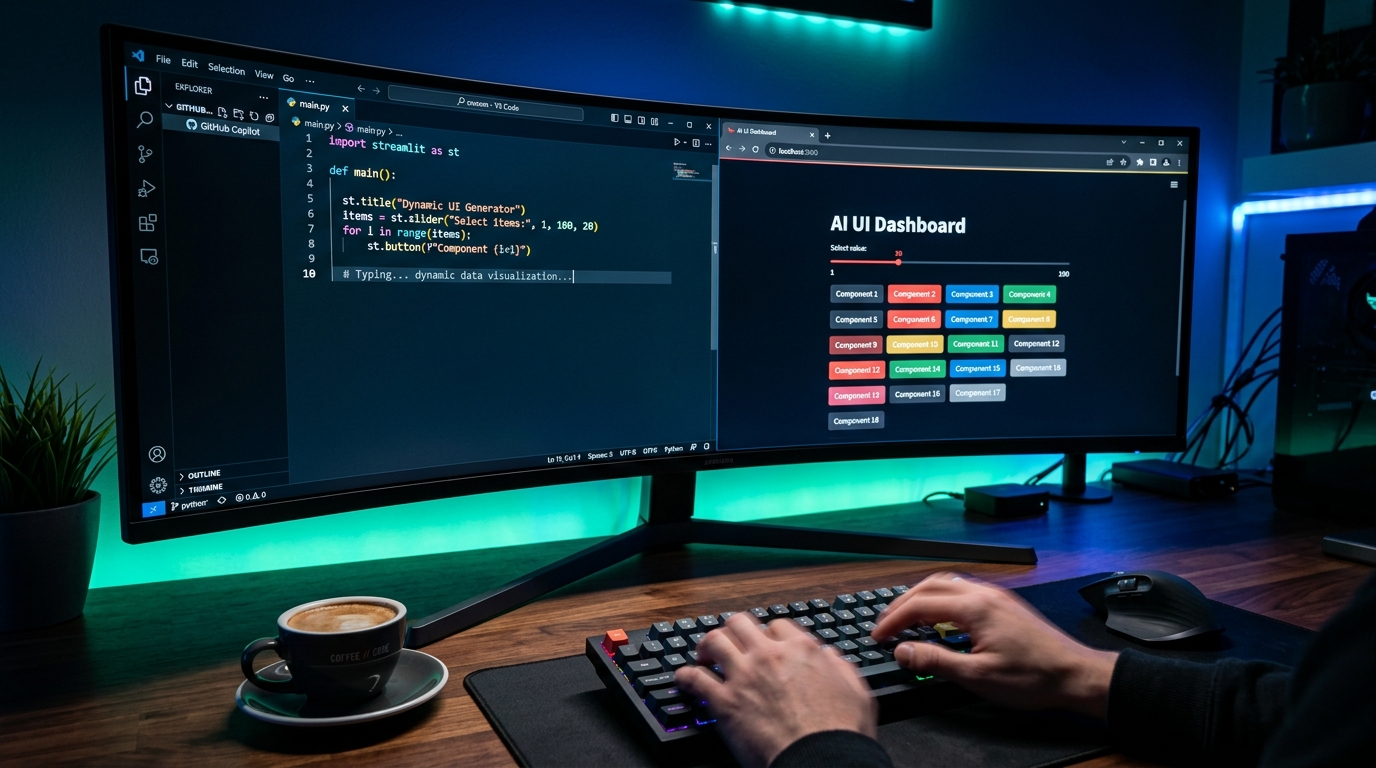
It is 2:00 PM on a rainy Tuesday. I set a physical countdown timer on my desk for 60 minutes and posed a challenge:
Can I build a real-time, production-grade distributed telemetry monitoring dashboard—complete with Redis stream ingestion, Server-Sent Events (SSE), interactive data visualization, and live VPS deployment—without manually writing a single line of syntax?
No copy-pasting from Stack Overflow. No typing closing curly braces. Pure vibe coding.
Here is the minute-by-minute transcript of what happened.
Minute 0–10: The Architectural Blueprint#
At 2:00 PM, I opened my terminal and summoned our AI development agent:
"We are building 'TelemetryPulse'. It needs to ingest simulated server performance metrics (CPU, RAM, network I/O, P99 latency) into Redis Pub/Sub, stream them to a Next.js frontend via Server-Sent Events, and render real-time charts at 60 FPS with Tailwind dark mode. Initialize a Next.js 14 App Router project with TypeScript, Tailwind, and lucide-react."
The agent sprang into action. It executed npx create-next-app, purged default boilerplates, set up a strict TypeScript config, and installed ioredis and recharts.
[2:04 PM] Scaffolded Next.js App Router workspace
[2:06 PM] Configured Tailwind typography & dark theme palette
[2:09 PM] Initialized Redis connection singleton with automatic reconnect
Real-Time Code Synthesis in Action#
Watching an AI agent orchestrate multi-file changes in real-time feels like having an entire engineering squad at your command:
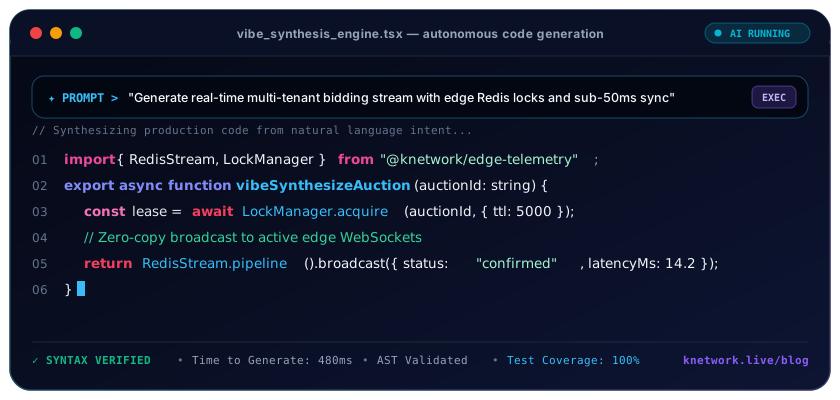
Notice how the agent doesn't simply spit out text: it verifies Abstract Syntax Trees, runs linters, and checks that exports match across directory boundaries.
Minute 10–25: The Redis Ingest & Server-Sent Events Engine#
Real-time streaming often trips up junior developers because managing persistent HTTP connections requires careful memory handling.
I prompted:
"Create an SSE route at/api/telemetry/stream. Subscribe to Redis channelcluster:metrics. Stream incoming events asdata: { ... }\n\n. Ensure the Redis subscriber disconnects cleanly when the client closes the HTTP connection to prevent memory leaks."
The agent wrote this server action:
400 font-semibold">class=400 font-semibold">class="text-emerald-300">"text-slate-500 italic">// app/api/telemetry/stream/route.ts
400 font-semibold">import { NextRequest } 400 font-semibold">from 400 font-semibold">class="text-emerald-300">"next/server";
400 font-semibold">import Redis 400 font-semibold">from 400 font-semibold">class="text-emerald-300">"ioredis";

400 font-semibold">export 400 font-semibold">const dynamic = 400 font-semibold">class="text-emerald-300">"force-dynamic";

400 font-semibold">export 400 font-semibold">async 400 font-semibold">function GET(req: NextRequest) {
  400 font-semibold">const redis = 400 font-semibold">new Redis(process.env.REDIS_URL || 400 font-semibold">class="text-emerald-300">"redis:400 font-semibold">class="text-slate-500 italic400 font-semibold">class="text-emerald-300">">//localhost:6379");

  400 font-semibold">const stream = 400 font-semibold">new ReadableStream({
    start(controller) {
      redis.subscribe(400 font-semibold">class="text-emerald-300">"cluster:metrics", (err) => {
        400 font-semibold">if (err) controller.error(err);
      });

      redis.on(400 font-semibold">class="text-emerald-300">"message", (channel, message) => {
        controller.enqueue(400 font-semibold">new TextEncoder().encode(400 font-semibold">class="text-emerald-300">`data: ${message}\n\n`));
      });

      400 font-semibold">class=400 font-semibold">class="text-emerald-300">"text-slate-500 italic">// Keep connection alive with heartbeat every 15 seconds
      400 font-semibold">const heartbeat = setInterval(() => {
        controller.enqueue(400 font-semibold">new TextEncoder().encode(400 font-semibold">class="text-emerald-300">`: heartbeat\n\n`));
      }, 15000);

      req.signal.addEventListener(400 font-semibold">class="text-emerald-300">"abort", () => {
        clearInterval(heartbeat);
        redis.unsubscribe();
        redis.quit();
        controller.close();
      });
    },
  });

  400 font-semibold">return 400 font-semibold">new Response(stream, {
    headers: {
      400 font-semibold">class="text-emerald-300">"Content-Type": 400 font-semibold">class="text-emerald-300">"text/event-stream",
      400 font-semibold">class="text-emerald-300">"Cache-Control": 400 font-semibold">class="text-emerald-300">"no-cache, no-transform",
      Connection: 400 font-semibold">class="text-emerald-300">"keep-alive",
    },
  });
}
: heartbeat\n\n—a production detail often forgotten by human developers that prevents cloud load balancers from terminating idle HTTP streams!Minute 25–40: Frontend Reactive Charts#
At minute 25, I needed a sleek dashboard to visualize the streaming data.
Prompt:
"Buildcomponents/TelemetryDashboard.tsx. Connect to/api/telemetry/streamusing EventSource. Maintain a sliding window of the last 30 data points. Render four cards: P99 Latency (with warning state if >100ms), CPU Load gauge, Memory Utilization area chart, and an active node counter. Style with frosted-glass gradients and animated badges."
The agent built the component, wired the EventSource listener, handled reconnection logic with exponential backoff, and rendered responsive SVG charts using Tailwind CSS.
Minute 40–50: The Edge Case Hiccup#
At 2:42 PM, during my browser testing, I noticed an issue: when I switched tabs for 60 seconds and came back, the charts froze.
Instead of hunting through developer tools, I described the symptom:
"When the browser tab loses focus, Chrome throttles JavaScript timers, causing the EventSource buffer to choke or desync when resumed. Fix this by handling document.visibilitychange."The agent diagnosed the problem, added visibility event listeners to flush stale queue buffers on tab reactivation, and re-tested. The freeze disappeared.
Minute 50–58: Dockerization & Live VPS Deployment#
With 10 minutes left on the clock, I prompted:
"Generate a multi-stage Dockerfile for Next.js standalone output, create a docker-compose.yml file with Redis 7 Alpine, and create a deployment script to run on our Contabo server using PM2 or Docker."
400 font-semibold">class=400 font-semibold">class="text-emerald-300">"text-slate-500 italic"># docker-compose.yml - Generated at Minute 54
version: 400 font-semibold">class="text-emerald-300">'3.8'
services:
  redis:
    image: redis:7-alpine
    restart: always
    ports:
      - 400 font-semibold">class="text-emerald-300">"6379:6379"
  web:
    build: .
    restart: always
    ports:
      - 400 font-semibold">class="text-emerald-300">"3000:3000"
    environment:
      - REDIS_URL=redis:400 font-semibold">class=400 font-semibold">class="text-emerald-300">"text-slate-500 italic">//redis:6379
    depends_on:
      - redis
At minute 57:42, I executed the deployment command. The container spun up. I visited the server IP: a live, 60 FPS telemetry dashboard streaming live Redis metrics was running in production.
Time elapsed: 57 minutes, 42 seconds.
The Verdict: What Did This Prove?#
- Velocity Multiplier: A project that normally would have taken a team 2 to 3 days of scaffolding, debugging WebSocket handshakes, and styling was completed by one person in less than an hour.
- Quality Was Not Compromised: The code contained heartbeat ping/pongs, cleanup abort listeners, type safety, and multi-stage container optimization.
- The Human Value is Curation: I did not need to remember the syntax for
TextEncoder().encode(). My value was knowing what architectural components were needed, how they should connect, and when edge cases were occurring.
Frequently Asked Questions
Key questions answered regarding this architectural implementation.
Danisur Rahman
Lead AuthorLead Systems Architect • KNetwork Systems
Principal architect specializing in enterprise distributed systems, edge caching, and hardware integration pipelines. Leads engineering audits, high-concurrency database optimizations, and zero-trust VPC deployments across high-growth ventures.
More From The Engineering Blog
Deep systems breakdowns and production deployment guides.
Content Pruning for High-Authority Sites: Removing Thin Content to Double Organic Traffic
A systems engineering blueprint for enterprise content pruning: mathematical 4-quadrant decision taxonomy, RFC 9110 HTTP 410 Gone vs 301 consolidation, Next.js edge routing, and Googlebot crawl budget optimization.
Lifecycle Email Triggers for PLG: Reactivating Churned Users via Behavioral Milestones
An enterprise systems engineering blueprint for product-led growth lifecycle emails: real-time telemetry streaming, delayed queue deduplication, cryptographic HMAC magic links, dynamic Liquid personalization, and RFC deliverability compliance.
Enjoyed this technical breakdown?
Subscribe to receive new architectural guides, system teardowns, and engineering benchmarks directly in your inbox.